
Base64 turns any bytes, including images and binary files, into a limited set of 64 safe text characters so they can travel through systems built for text. URL encoding (percent-encoding) does something narrower: it replaces only the characters that have a special meaning in a web address, such as spaces, & and ?, with codes like %20. Use Base64 to carry data, and URL encoding to put text safely inside a link.
Neither one is encryption
Before the details, the most important point: both are reversible by anyone, with no key. YWRtaW46c2VjcmV0 looks scrambled, but it is simply the Base64 form of admin:secret. If you see credentials "protected" by Base64 in a config file or a request, treat them as plain text. Encoding is about compatibility, not secrecy.
How Base64 works
Base64 reads the input three bytes (24 bits) at a time and splits those 24 bits into four groups of 6 bits. Each 6-bit group is a number from 0 to 63, which maps to one character from this alphabet: A-Z, a-z, 0-9, + and /. When the input length is not a multiple of three, the output is padded with =.
| Input text | Bytes | Base64 output |
|---|---|---|
h | 1 | aA== |
hi | 2 | aGk= |
hi! | 3 | aGkh |
Hello, World! | 13 | SGVsbG8sIFdvcmxkIQ== |
Two consequences follow from the maths. First, Base64 output is always about one third larger than the input, because every 3 bytes become 4 characters. A 300 KB image becomes roughly 400 KB of text. Second, the output length is always a multiple of four when padding is used, which is a quick sanity check when a decoder complains.
Where you meet Base64
- Email attachments. The MIME standard uses Base64 to send binary files through a protocol that was designed for text.
- Data URIs. Small images can be embedded directly in HTML or CSS:
<img src="data:image/png;base64,iVBORw0KGgo...">. This saves a request but makes the page heavier, so keep it for tiny icons. - HTTP Basic authentication. The header
Authorization: Basic YWRtaW46c2VjcmV0is justusername:passwordin Base64, which is why it must only be used over HTTPS. - JSON Web Tokens (JWTs). Each part of a token is Base64URL-encoded JSON, so you can read the payload without any key.
- Storing binary in text formats. JSON and XML cannot hold raw bytes, so APIs often send files or cryptographic keys as Base64 strings.
Base64URL: the variant for links and tokens
Standard Base64 uses + and /, both of which mean something inside a URL. The URL-safe variant swaps them for - and _ and often drops the = padding. For example, the two bytes 0xFB 0xFF encode to +/8= in standard Base64 and -_8= in Base64URL. If a decoder rejects a token that came from a URL or a JWT, replace - with + and _ with /, add = until the length is a multiple of four, and try again.
How URL encoding works
A URL may only contain a limited set of characters, and some of those have jobs to do: ? starts the query string, & separates parameters, = joins a name to its value, # starts a fragment and / separates path segments. If your data contains any of these, the browser or server will misread the link. Percent-encoding fixes this by writing the character's byte value in hexadecimal after a % sign.
| Character | Encoded | Why it needs encoding |
|---|---|---|
| space | %20 | Not allowed in URLs at all |
& | %26 | Separates query parameters |
? | %3F | Starts the query string |
% | %25 | Is the escape character itself |
/ | %2F | Separates path segments |
é | %C3%A9 | Non-ASCII: encoded as its UTF-8 bytes |
A practical example: you want a link that pre-fills a search for Rs 500 & 10% off?. Pasted raw, the & would start a new parameter and the ? would confuse the parser. Encoded, the value becomes Rs%20500%20%26%2010%25%20off%3F, which survives intact.
The plus sign problem
HTML forms submit data in a format where a space becomes + rather than %20. Many servers therefore read + in a query string as a space. If your actual data contains a plus sign, such as a phone number like +923001234567, it must be encoded as %2B or it may arrive as a space. Encoding with encodeURIComponent() in JavaScript, or urlencode()/rawurlencode() in PHP, handles this for you.
Base64 vs URL encoding at a glance
| Base64 | URL encoding | |
|---|---|---|
| Purpose | Represent any bytes as text | Make text safe inside a URL |
| Changes | Every character | Only reserved or unsafe characters |
| Size change | About 33% larger | Unchanged for plain letters; up to 3x for encoded characters |
| Readable output? | No | Mostly yes |
| Typical use | Attachments, data URIs, tokens, binary in JSON | Query strings, links with user input, form data |
Step by step: encode and decode with our tools
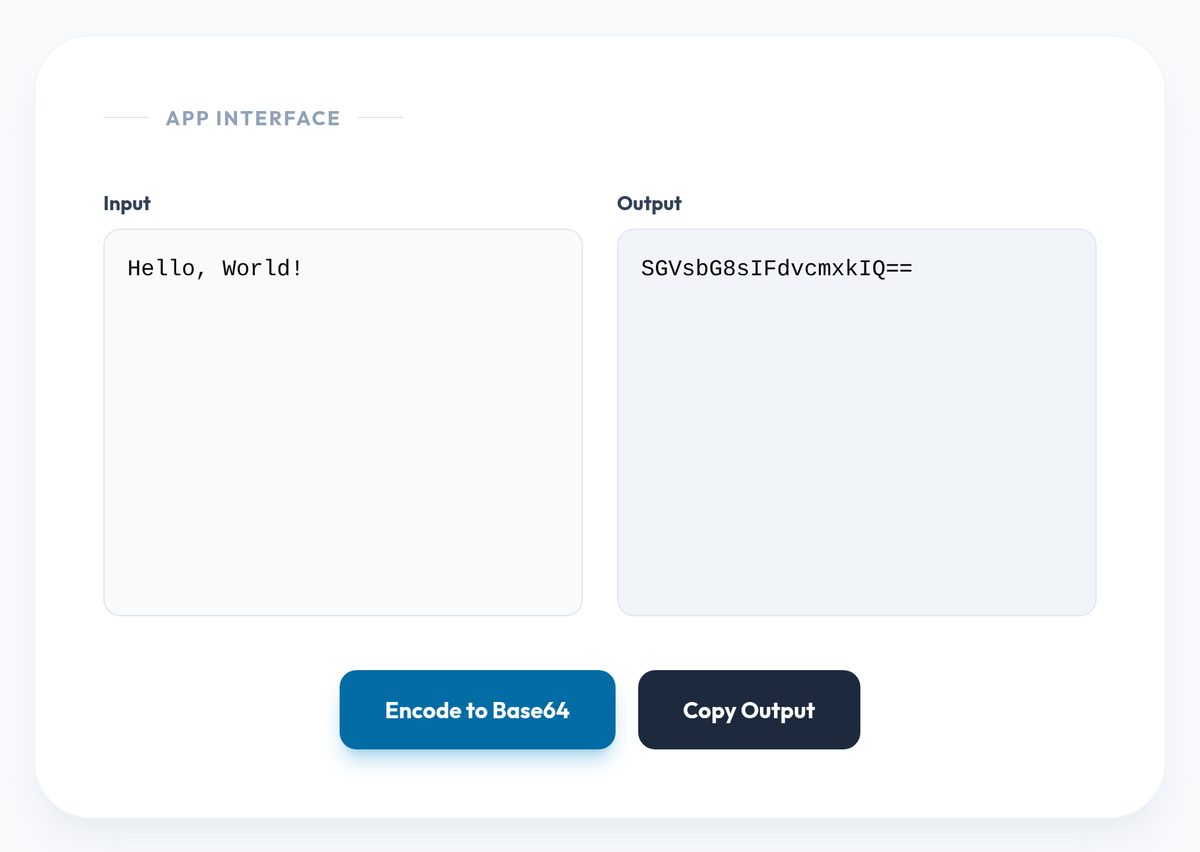
- Encode text to Base64. Open the Base64 Encoder, type or paste your text into the Input box and click Encode to Base64. Try
Hello, World!and confirm you getSGVsbG8sIFdvcmxkIQ==. The encoder converts your text to UTF-8 first, so Urdu and other non-English text encodes correctly. - Decode Base64. Paste a string into the Base64 Decoder and click Decode Base64. If you see "Invalid Base64 string", check for stray spaces or line breaks, and convert any Base64URL characters (
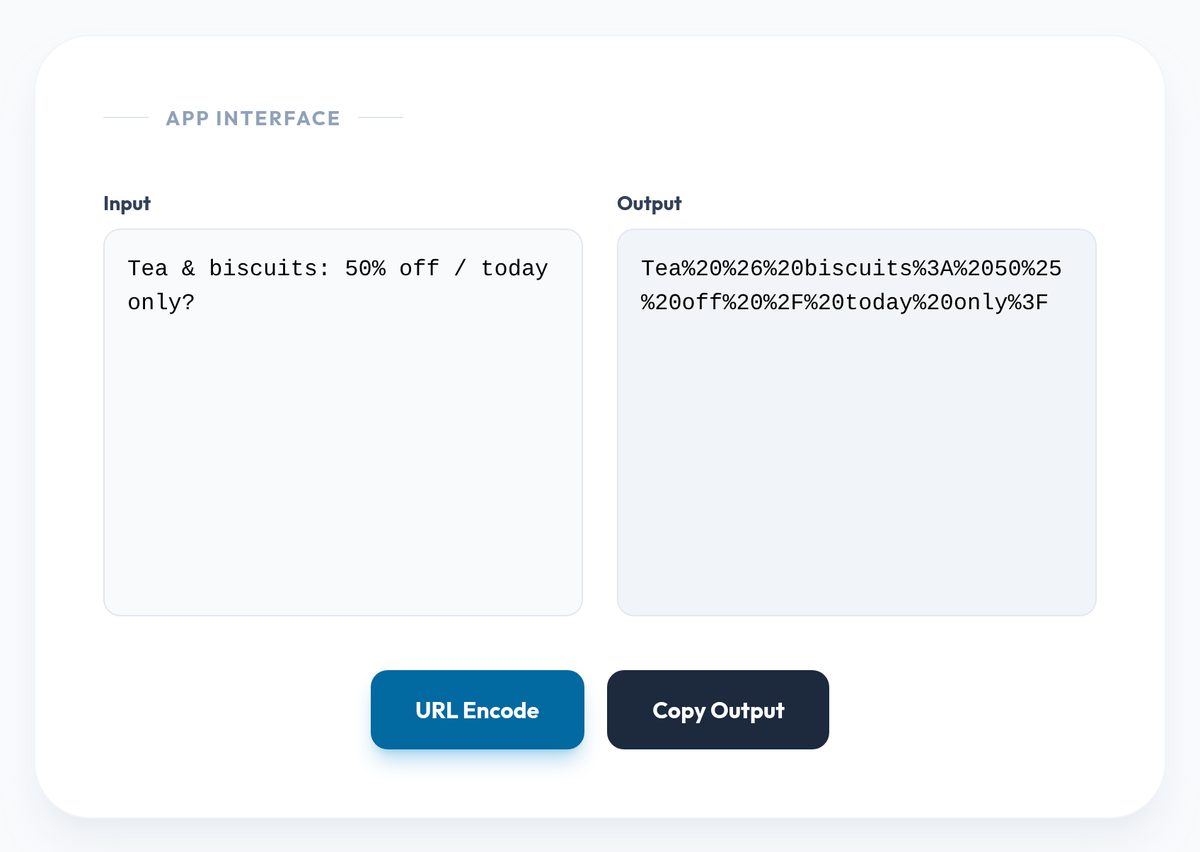
-,_) back to the standard ones as described above. - Encode a value for a link. Paste the value, not the whole URL, into the URL Encoder and click URL Encode. It uses the same rules as JavaScript's
encodeURIComponent(), so spaces become%20and&,?,/and=are all escaped. - Read an encoded link. Paste a messy tracking URL into the URL Decoder to see the original text. Note that it does not turn
+into a space, so form-style query strings may still show plus signs.
All four tools run in your browser using built-in JavaScript functions, so the text you paste is processed on your own device.
Common mistakes
- Encoding the whole URL. Running
https://example.com/search?q=tea cupsthrough a component encoder turns the://and?into%3A%2F%2Fand%3F, which breaks the link. Encode only the parameter values, then assemble the URL. - Double encoding. Encoding an already encoded value turns
%20into%2520. If you see%25followed by two hex digits in a link, something encoded twice. - Using Base64 to hide secrets. As shown above, anyone can decode it in seconds. Use real encryption or, for passwords, a password hashing function.
- Embedding large images as data URIs. The 33% overhead and the loss of browser caching usually outweigh the saved request for anything larger than a small icon.
- Forgetting the character set. Base64 encodes bytes, not letters. The same text encoded as UTF-8 and as another encoding produces different Base64, so agree on UTF-8 at both ends.
Frequently asked questions
Is Base64 encryption?
No. It is a public, keyless transformation. Anyone with the encoded string can recover the original exactly.
Why does my Base64 string end with = or ==?
The equals signs are padding. They appear when the input length is not a multiple of three bytes: one = when there are two leftover bytes, two when there is one.
Should a space be %20 or + in a URL?
In the path of a URL, use %20. In a query string, both are commonly understood as a space, but %20 is the safer choice because it means a space everywhere.
Can I put Base64 directly into a URL?
Only if you use the Base64URL variant or URL-encode the result, because standard Base64 can contain +, / and =, which all have meanings in URLs.
Reader Thoughts
No Thoughts Yet
Be the first to share your perspective on this topic.
